BoomerBlaster Pro
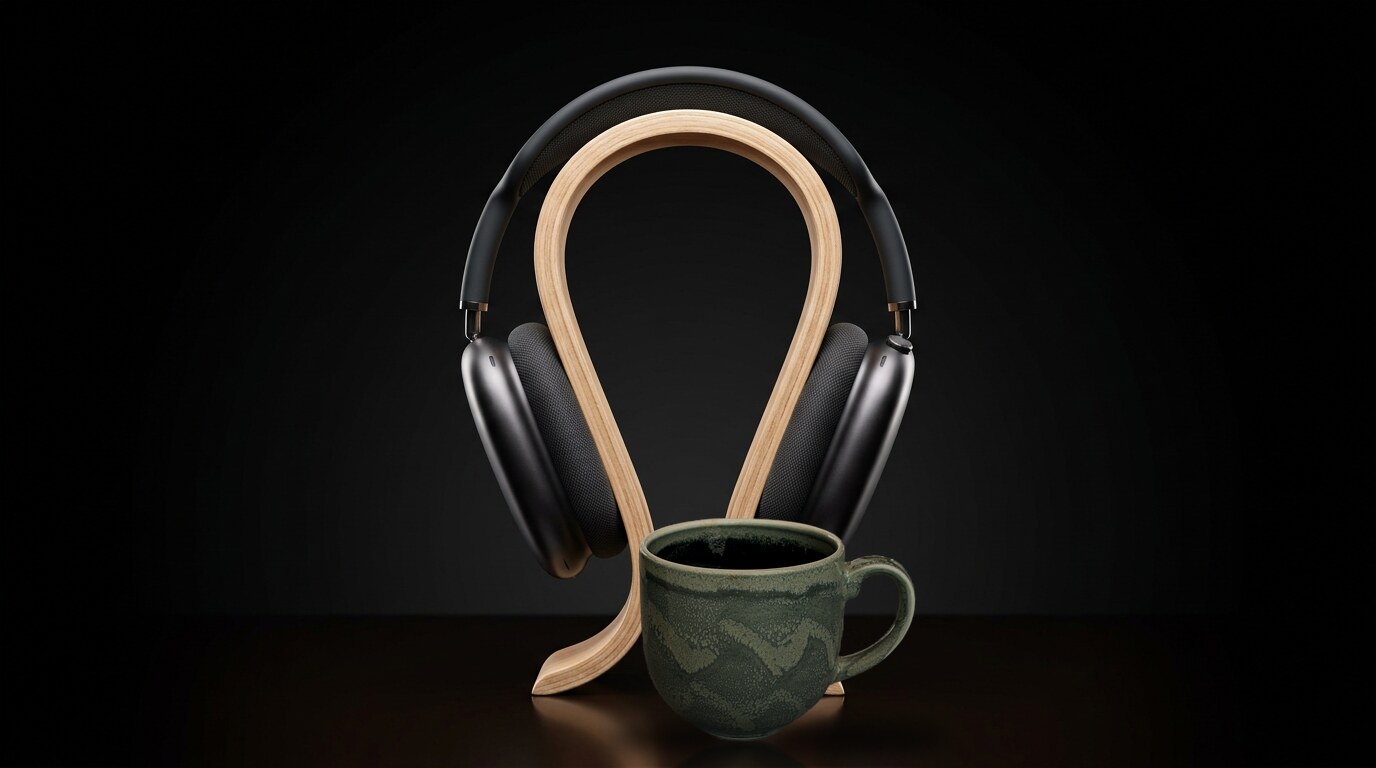
Cast from your phone. The whole floor hears it in their own headphones, on the same beat, from a web page on your Mac. Crank your downtempo to eleven. Spare the interns.
Available now. On brew.1
Cast from your phone. The whole floor hears it in their own headphones, on the same beat, from a web page on your Mac. Crank your downtempo to eleven. Spare the interns.
Available now. On brew.1
Do you remember the time
You lived under your desk. It was the dot-com boom. You smoked indoors. You ripped your vinyl to 128 kbit/s and put the vinyl out with the trash.
Everyone was noisy. Everyone listened to the same thing, because everyone had to. Noise cancelling meant someone going schhh. And every week somebody nudged the volume knob one notch. Nobody noticed. Boiling the frog.
Well. No?
Now you can at least listen together again. And embarrass yourself with your low-BPM downtempo2 in front of the whole floor, at a volume that bothers no one.
Then and now


How it works
Three steps. You do the first. Your Mac does the second. Your colleagues do the third, and they get to decide how loud.
AirPlay from your iPhone or Mac, or pick BoomerBlaster in Spotify's device list from any phone. Music, Spotify, Tidal, podcasts. Anything with a cast button.
Your Mac stamps every twenty milliseconds of music against one clock. Every listener's browser measures its distance to that clock and plays each chunk at the agreed instant. Drift past five milliseconds and it corrects itself.3
Colleagues open one address, press play, put their headphones on. Cover art, track, artist, their own volume. Nothing to install. Nothing to explain to IT.

Now playing
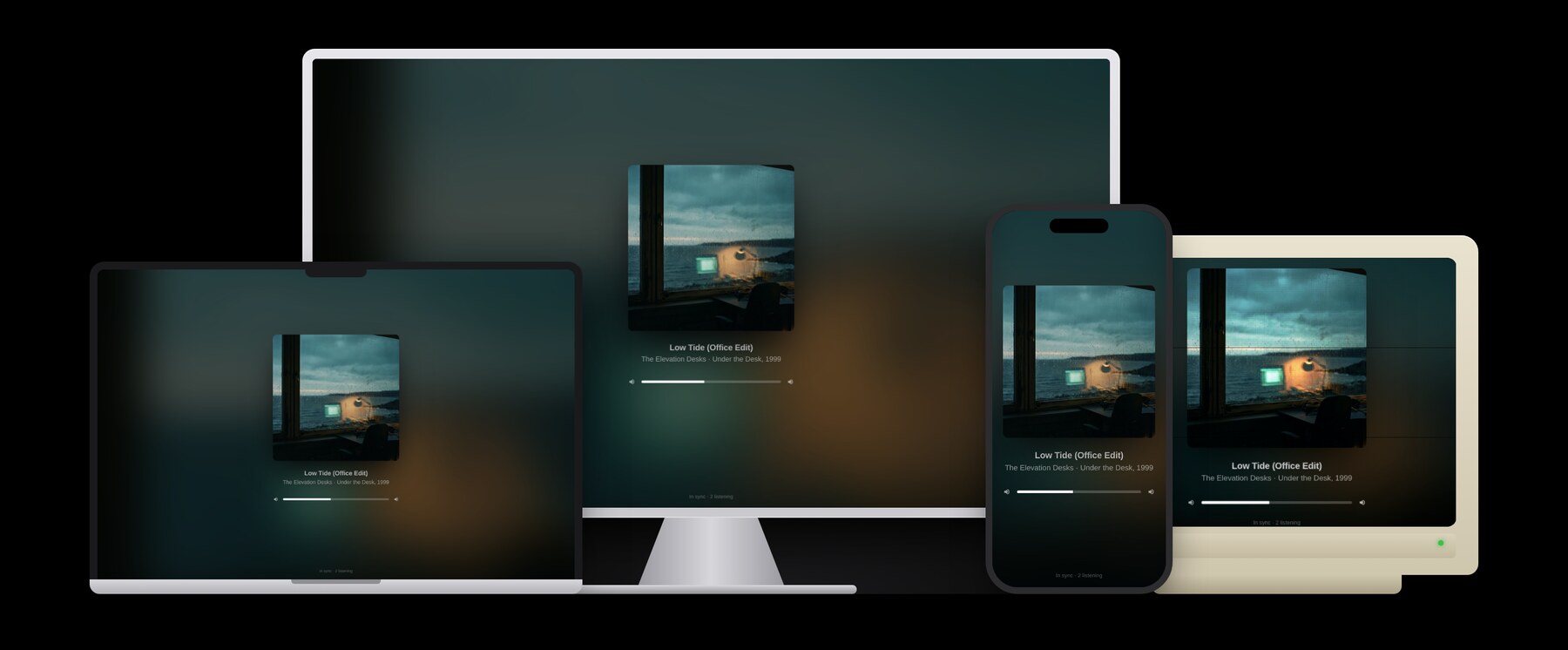
Every listener gets the cover art large, its colours bleeding into the background, the track and artist underneath, and one slider that only moves their own ears. That is the whole page. Play, pause and skip are not on it, because they are on the DJ's phone.



Sources
AirPlay
Music, Spotify, Tidal, YouTube, podcasts. Anything with an AirPlay button. Title, artist, album and the artwork come along for the ride.
Spotify Connect
BoomerBlaster appears in Spotify's device list like a speaker would. Android welcome. Premium required, because Spotify says so.5
Listeners
The most compatible app we have ever shipped. Works on the display at the desk, the laptop IT gave you, the phone IT doesn't know about, and the CRT nobody has dared to unplug.
Every generation
Half the office once slept under a desk. Half the office thinks that is a wellness trend. BoomerBlaster Pro is the first ghettoblaster both halves can agree on, because it keeps itself to itself.
Hands on the keyboard. Hips in 1999. Quarterly report on schedule.
One hand typing. One hand pointing at the ceiling. Both on the clock.
Compare
| BoomerBlaster ProFree | A Bluetooth speakerFrom 899 kr. | SilenceFree | |
|---|---|---|---|
| Who hears your music | Everyone who wants toin sync | Everyonewhether they want to or not | Nobody |
| Colleagues annoyed | 0 | All of themeventually | 0 |
| Cover art | Yeslarge | No | No |
| Volume creep | Impossibleeveryone has their own knob | One notch a weekthe frog never notices | None |
| Noise cancelling | Built into the headphones | Someone going schhh | Is the product |
| Dancing | Yesat your own desk | Yesbriefly | Discouraged |
| Chromecast | Nosee footnote 6 | No | No |
| Smoking indoors | Still no | Still no | Still no |
Get BoomerBlaster Pro
0 kr.Or 0 kr./month with financing.
Installs on the DJ's Mac with Homebrew, and on nobody else's with anything. Then AirPlay to "BoomerBlaster", send the address round, and watch the floor. Pro is the only model.8
brew install den-frie-vilje/tap/boomerblaster boomerblaster init boomerblaster start boomerblaster url
A Mac with Homebrew. A network where devices can reach each other. Headphones for everyone.
Listeners: any browser on a laptop; phones with the screen on.7
AirPlay (classic), via shairport-sync.
Spotify Connect, via librespot. Spotify Premium required.
Snapcast: server-stamped 20 ms chunks, client clock estimation, hard correction beyond 5 ms.
44.1 kHz, 16-bit, stereo. FLAC by default; PCM or Opus by setting.
About 700 kbit/s per listener with FLAC.
About two seconds from source to ears, by AirPlay's design.
1780 listener page and control, 1704 and 1705 Snapcast, 5000 AirPlay.
Title, artist, album and cover art from AirPlay sources that send them. Title and artist from Spotify Connect.
Nothing leaves the local network. No account, no cloud, no telemetry.
One Python file, standard library only, and the listener page. Fetches Snapweb 0.9.3 on first run, checksum verified, as the DJ's own control page at /admin/.
Chromecast.6 Indoor smoking. Your vinyl.
MIT. Snapcast and Snapweb are GPL-3; shairport-sync and librespot are MIT.